



Coolzino App: Mobile Casino Play
The Coolzino app brings the complete platform to a phone screen without a visit to any app store. We built it as a progressive web app, so it installs from the browser in seconds and takes up almost no storage. Once the icon reaches the home screen, one tap opens the same account you use on a computer — Cool Zino keeps your progress synchronized across devices.



Coolzino on Mobile: Key Features
Mobile play at Coolzino Casino follows one principle: nothing gets cut. The application carries every section of the website, and several things work even better on a phone:
- Instant access: The icon is on the home screen, so the lobby opens without typing an address.
- Touch-first control: Many online slots support portrait orientation and respond to one-finger play.
- Notifications: Push messages announce new promotions before they expire.
- Built-in help: Live chat at Coolzino Casino stays one tap away, and the support team answers at any hour.
Battery use stays modest because the PWA caches repeating content instead of reloading it on every visit.
Mobile Interface
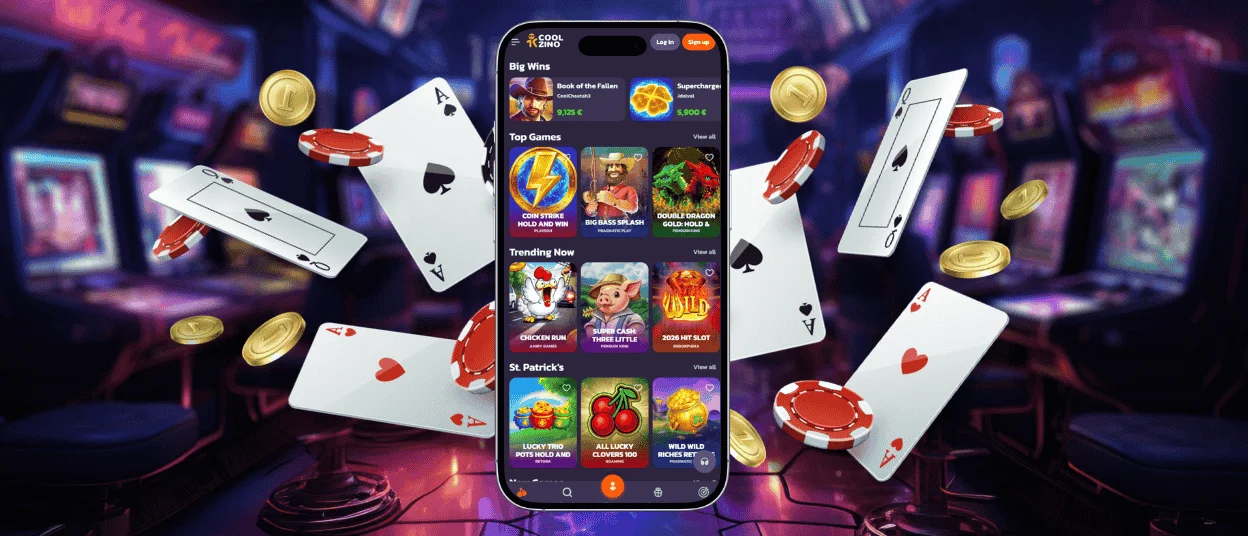
Small screens at Cool Zino Casino get their own layout logic rather than a shrunken desktop page. Game rows scroll horizontally under the thumb, and the main menu folds into a compact side panel. The deposit section opens as a full-screen step, which keeps payment details readable on any display. Search and category filters behave exactly as they do on a computer, so a familiar title takes seconds to find. The profile area holds every desktop function as well, so even the verification process can be completed directly from a smartphone.
Coolzino Application on Android Devices
Any recent Android phone handles the Coolzino app comfortably, because the heavy processing happens on our servers rather than on the device. Chrome is the recommended browser here — it shows an install prompt right in the address bar. The manual route takes four short steps:
- Open the Coolzino website in the Chrome app.
- Tap the three-dot icon next to the address bar.
- Select “Add to home screen” and confirm by tapping “Add.”
- Hold the new icon and drag it to a convenient spot on the screen.
The web app fully replaces a classic Cool Zino APK download: the complete package arrives through the browser and refreshes itself in the background. Google Pay is built into the wallet, which makes deposits from an Android device especially quick. Cached content helps on mobile data too — pages you have already opened load with far less traffic.
Cool Zino App for iPhone and iPad
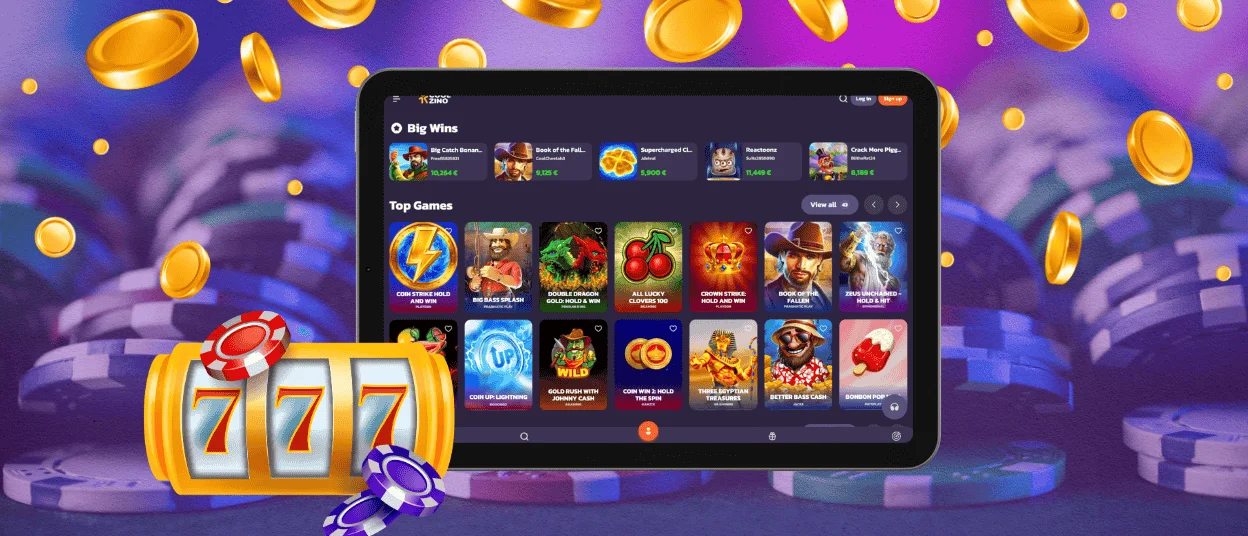
Safari handles the installation on Apple hardware. Open the website, tap the “Share” button, and choose “Add to Home Screen” — after confirmation, the icon appears beside your regular applications. The shortcut then behaves like native software: it launches in full screen without browser controls, and the login state is remembered between visits.
Gameplay is tuned for Safari’s engine, so animations stay fluid even in feature-heavy releases. iPad owners get the same layout with extra room for live tables, while Apple Pay in the wallet turns deposits at Coolzino Casino into a one-touch action.
How to Play on Desktop
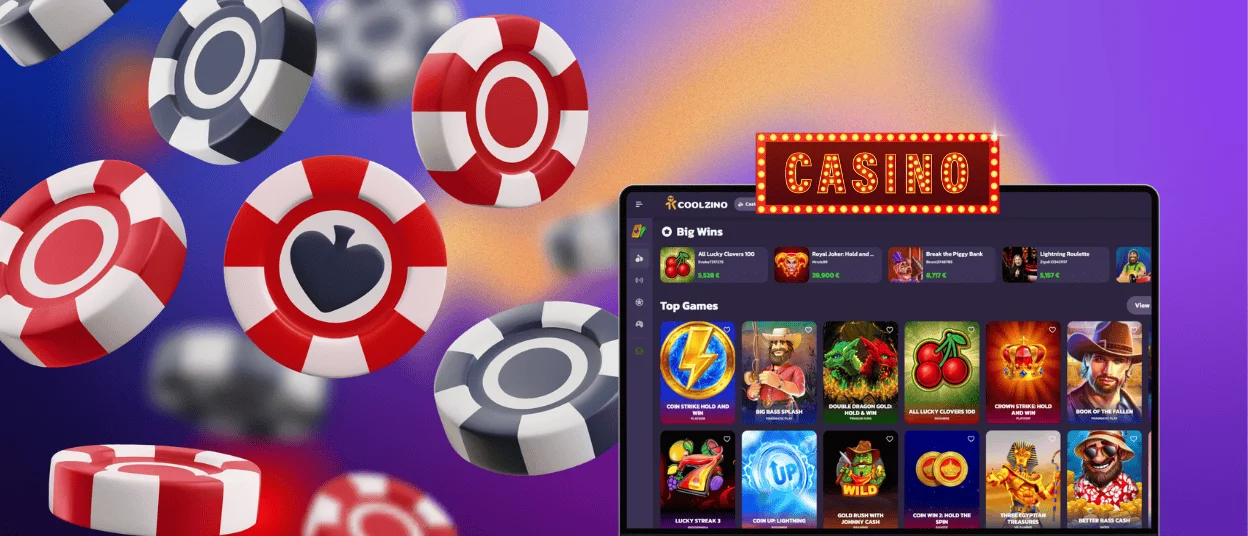
Windows and macOS users open the same platform through a browser, with no client software to maintain. Large monitors give live dealer streams extra breathing room, and a mouse makes table games at Coolzino Casino easier to control with precision.
For one-click access, Chrome turns the site into a desktop shortcut through the Create shortcut option in its menu — the Coolzino app then runs in a clean window of its own. After installation, the shortcut can be pinned to the taskbar on Windows or to the Dock on macOS, and Cool Zino starts like any other program from that point on.
Browser Access
Current versions of Chrome and Safari cover every installation route described above. The comparison below shows how the two desktop options behave in daily use:
| Access Option | How It Opens | Suits Best |
| Browser tab | Type the address and play right away | A quick session on any computer, including a shared one |
| Installed shortcut | One click on the desktop icon launches a separate window | Regular play with a saved login and a distraction-free screen |
Performance is identical in both cases, since Cool Zino streams games from the server rather than from local files.
Tips for a Better Mobile Gaming Experience
A few simple habits keep the Coolzino Casino mobile version running at full speed even during long live sessions. The checklist below pairs each factor with its practical effect:
| Factor | Recommended Setup | What It Improves |
| Connection | Stable Wi-Fi or a strong 4G/5G signal | Live streams play without frame drops |
| Browser | The latest Chrome or Safari build | New game engines load correctly |
| Operating system | A recent Android or iOS version | Smooth animations in feature-heavy slots |
| Battery | A charge above 20% or a connected cable | Long tournaments finish without interruption |
| Storage | Some free space for cache files | Titles you return to start noticeably faster |
Each point takes a minute to check, and the mobile casino rewards it with a consistently smooth gaming experience.
FAQ
Does the Coolzino app update by itself?
Every launch loads the current version automatically, so manual updates never appear on your to-do list. New games and fresh promotions show up at Coolzino Casino as soon as we publish them. The whole process runs in the background and does not interrupt an active round.
Can One Account Be Used on a Phone and a Computer?
The same email-and-password pair signs in on every device. Progress in bonuses or tournaments carries over instantly, because all data is stored on the Coolzino Casino server side. Moving from a desktop session to a mobile one requires nothing beyond opening the icon.
Which Payment Services Speed Up Mobile Deposits?
Apple Pay handles one-touch payments on iPhone, and Google Pay plays the same role on Android. Both services are already in the Coolzino app wallet, right next to card payments.


